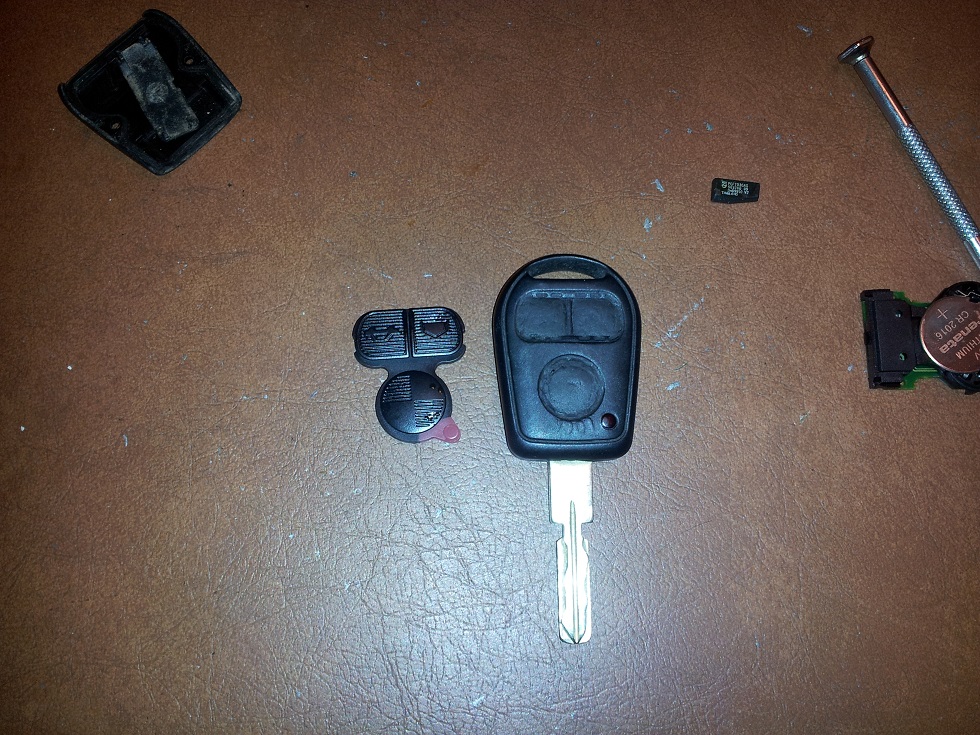
I purchase a set of these to replace my worn out buttons.
http://www.ebay.com/itm/261201404201
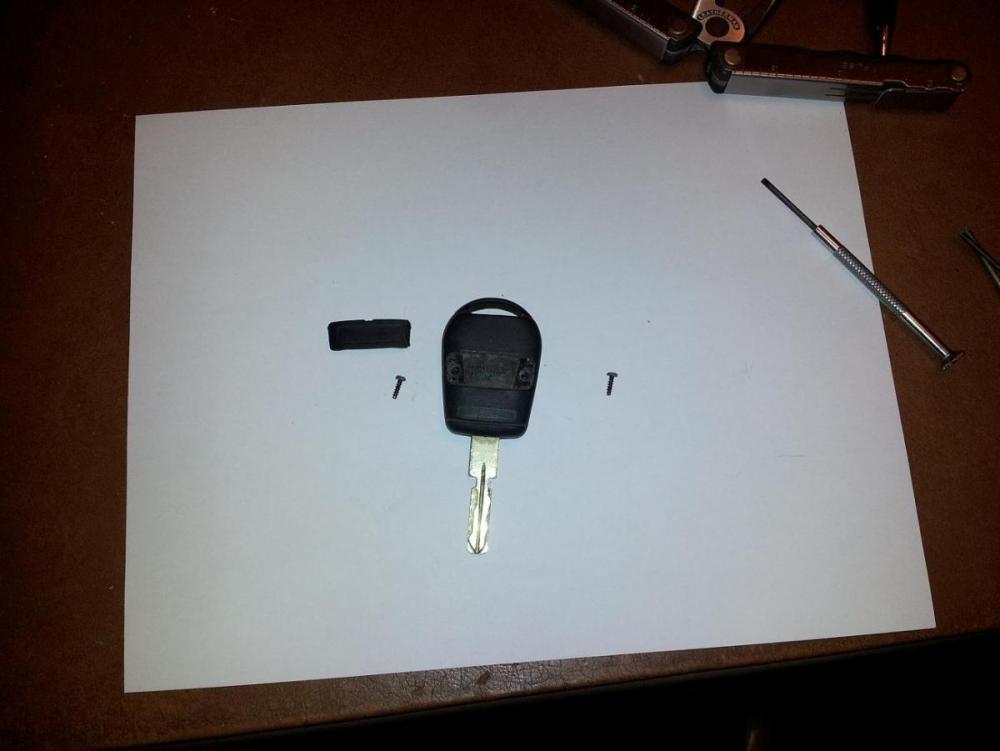
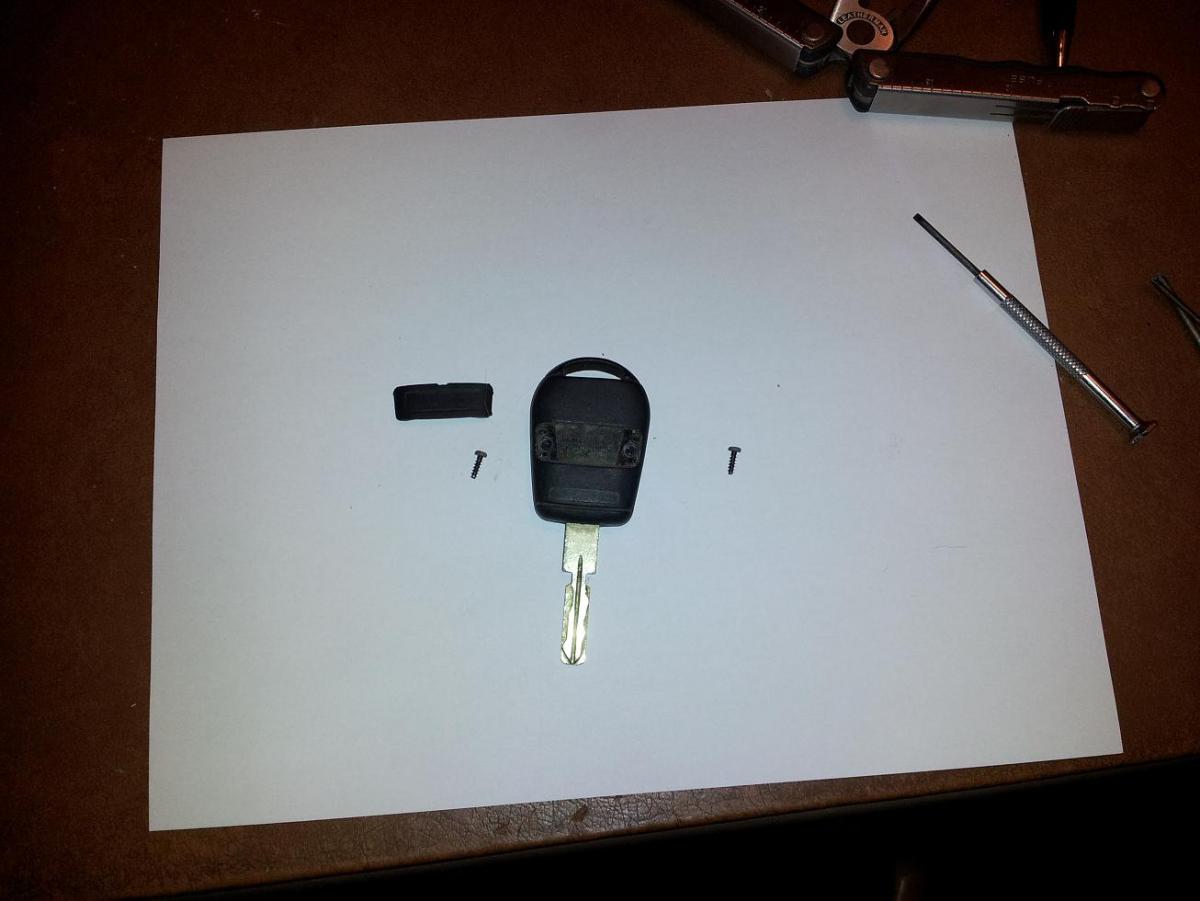
I popped off the rear cover to reveal 2 screws. I removed both screws.
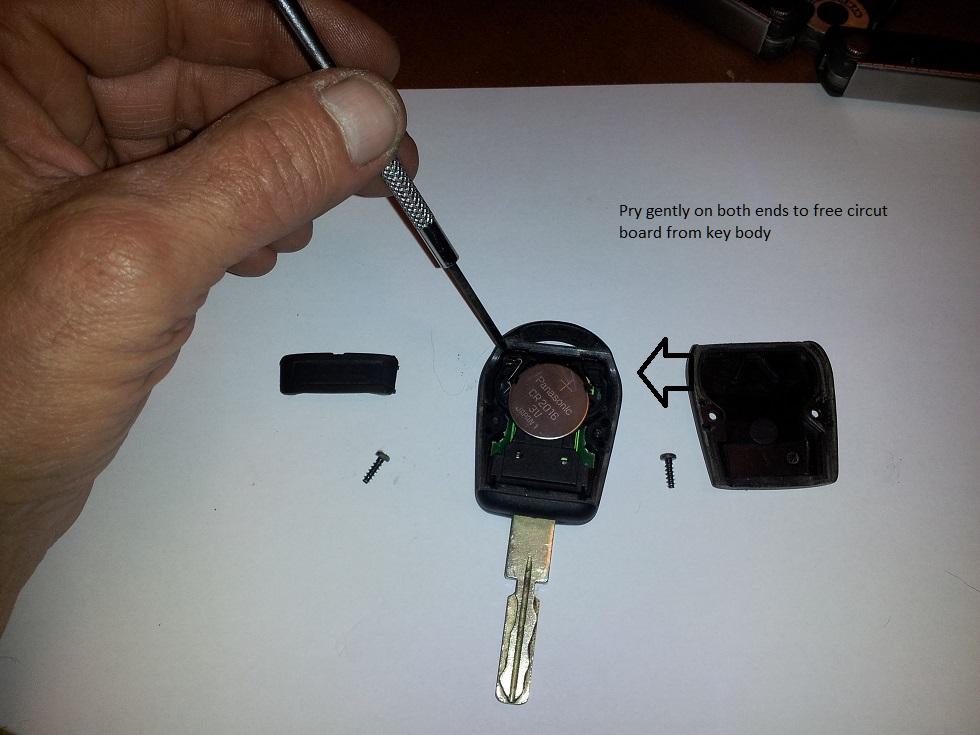
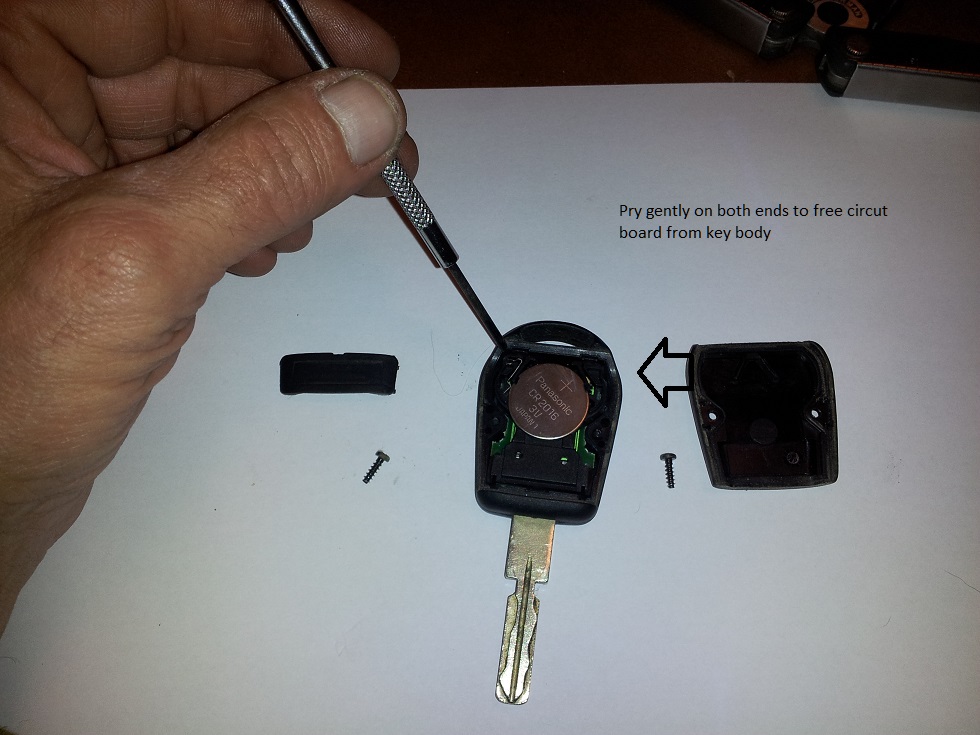
Remove board as shown.
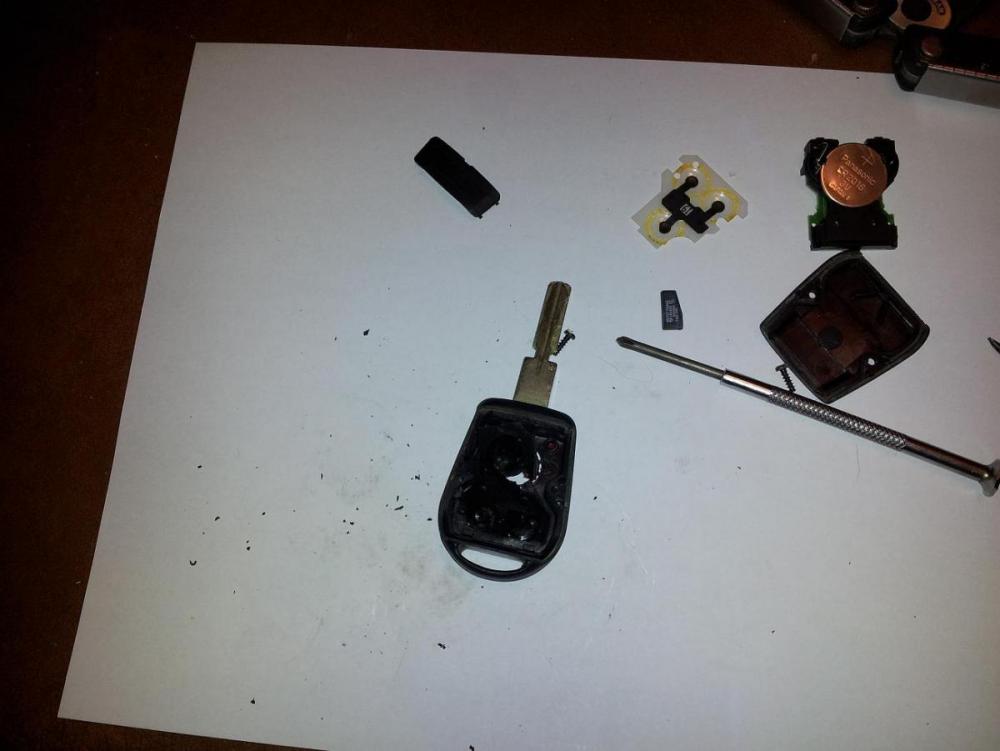
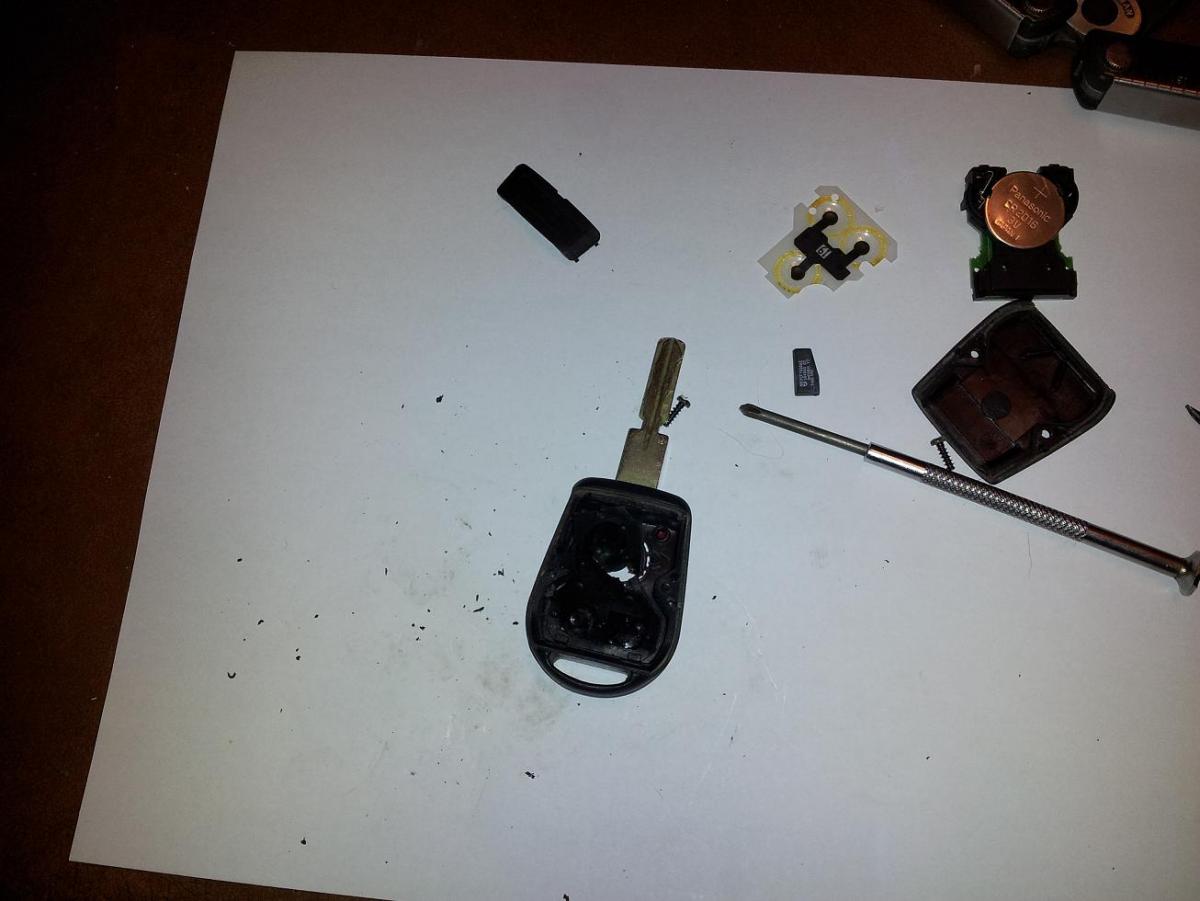
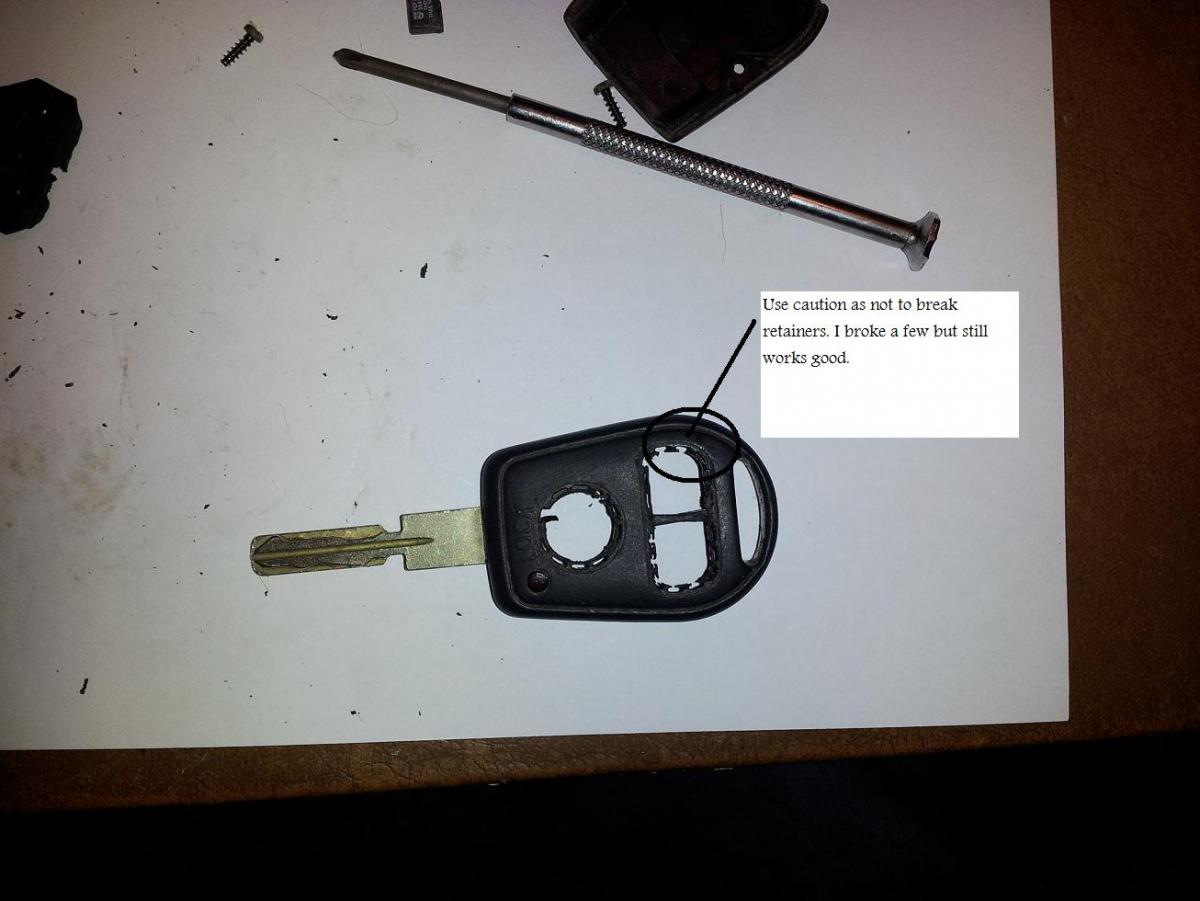
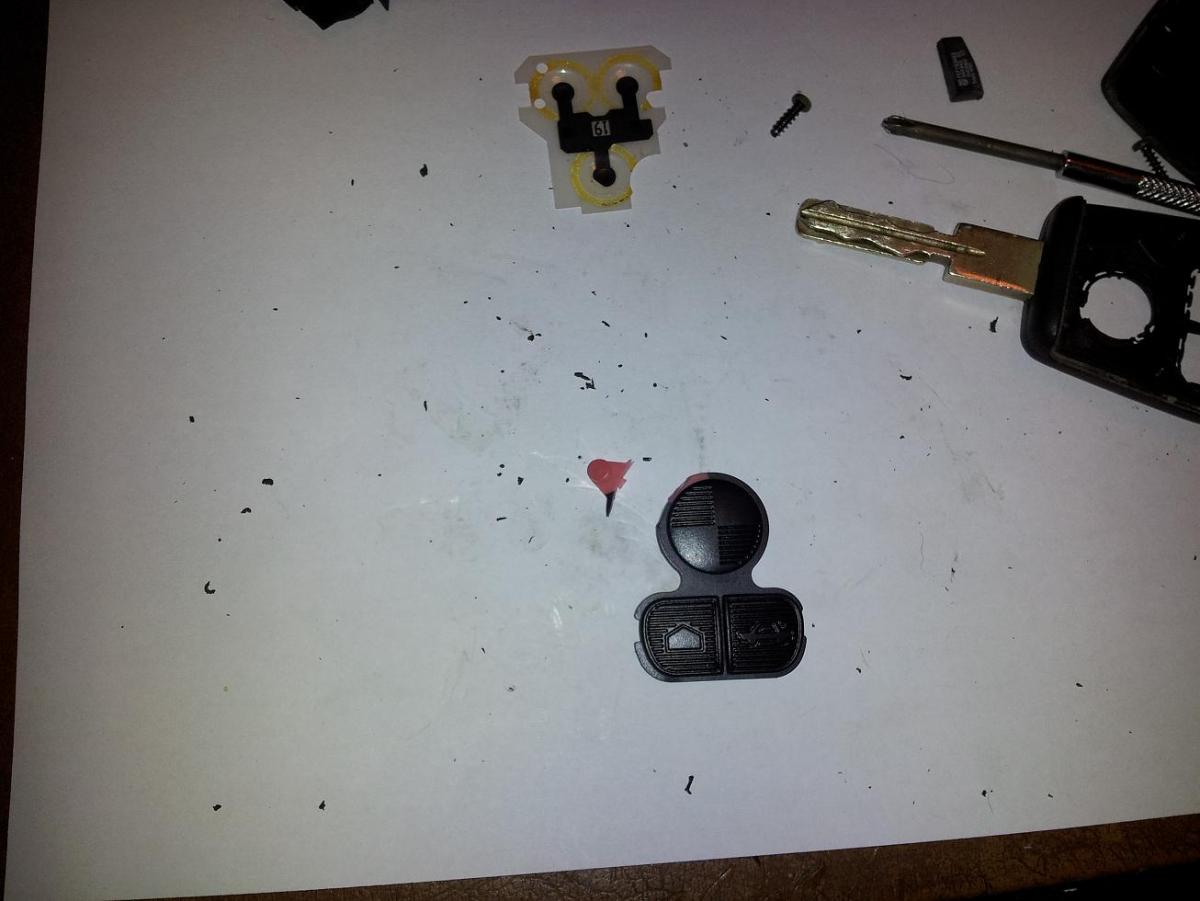
Start removing old buttons. Use caution and work slowly.
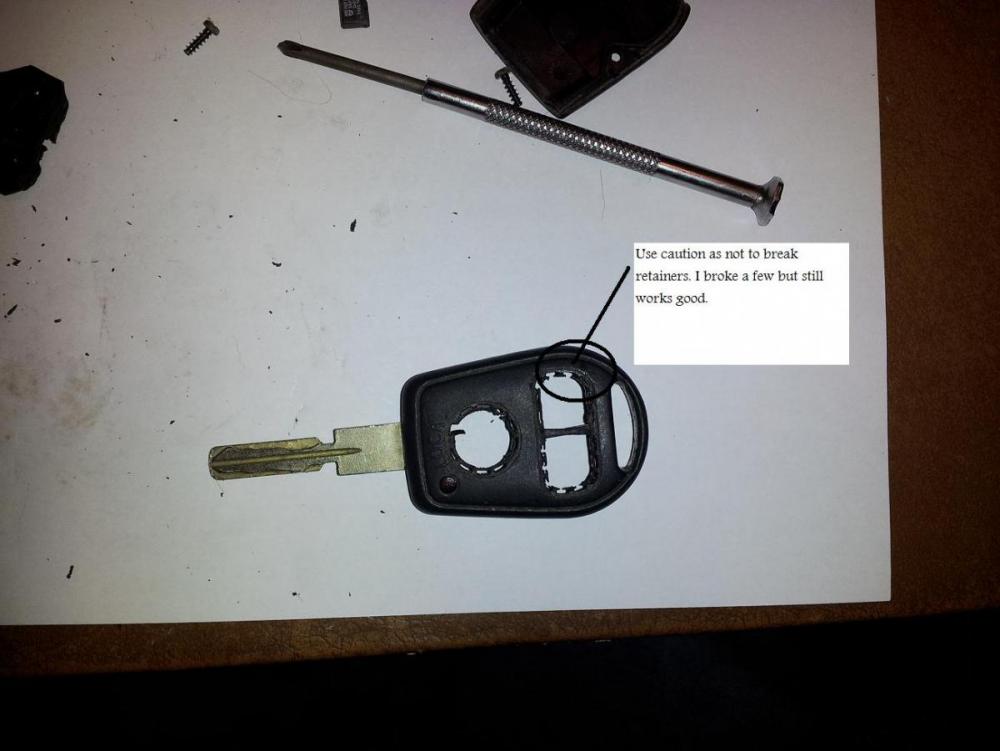
I broke a few tabs but all is good. Again use caution.
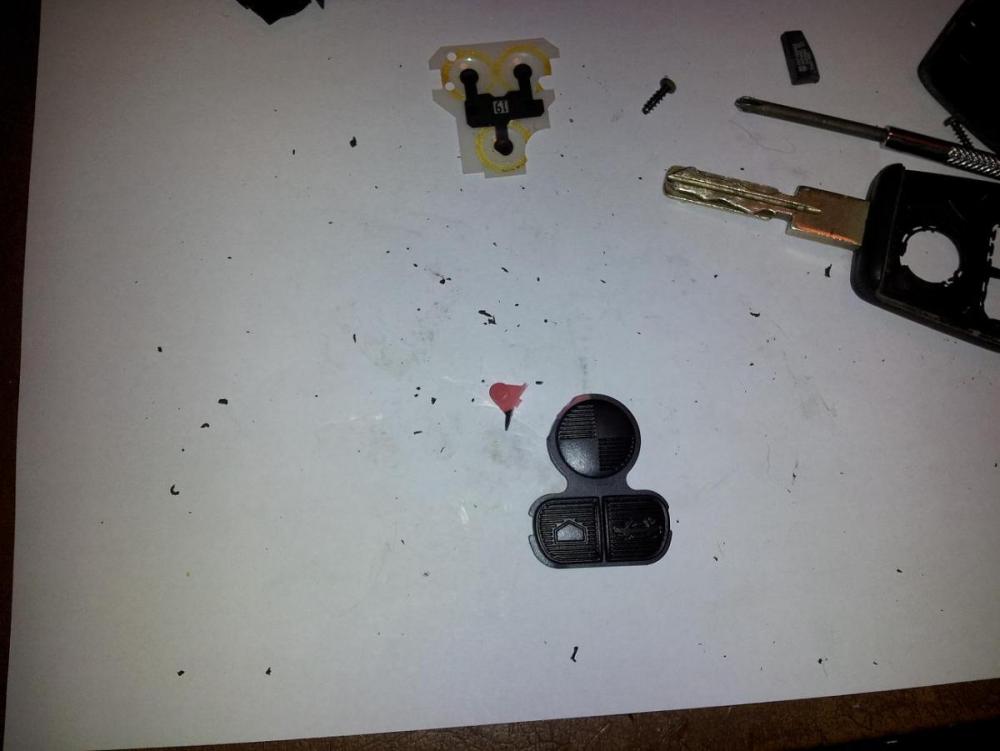
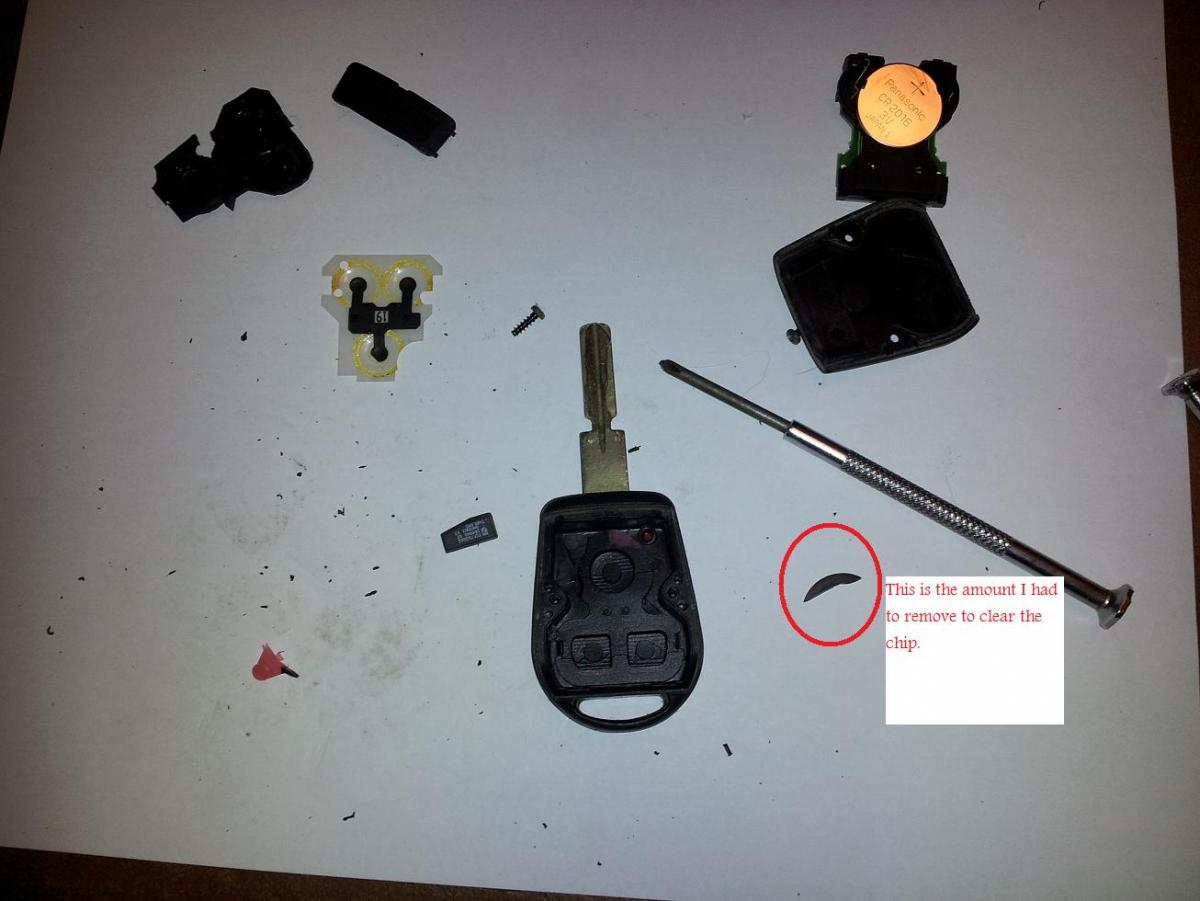
I cut off the fake led light as my key had a real one.
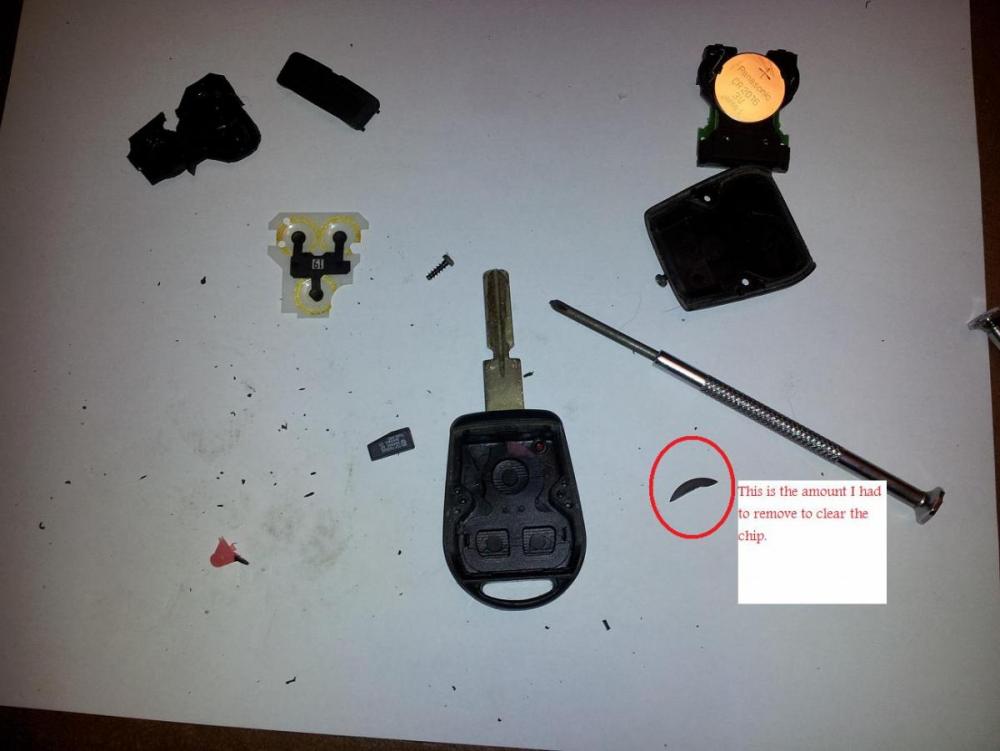
I needed to cut a corner off the lock button to clear the chip.
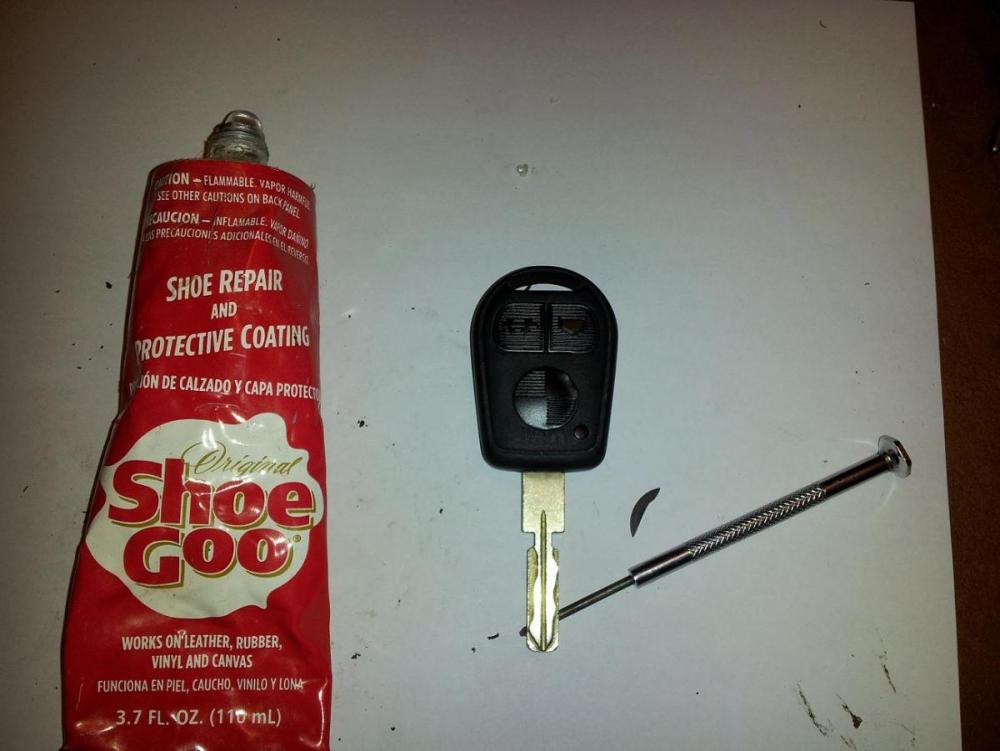
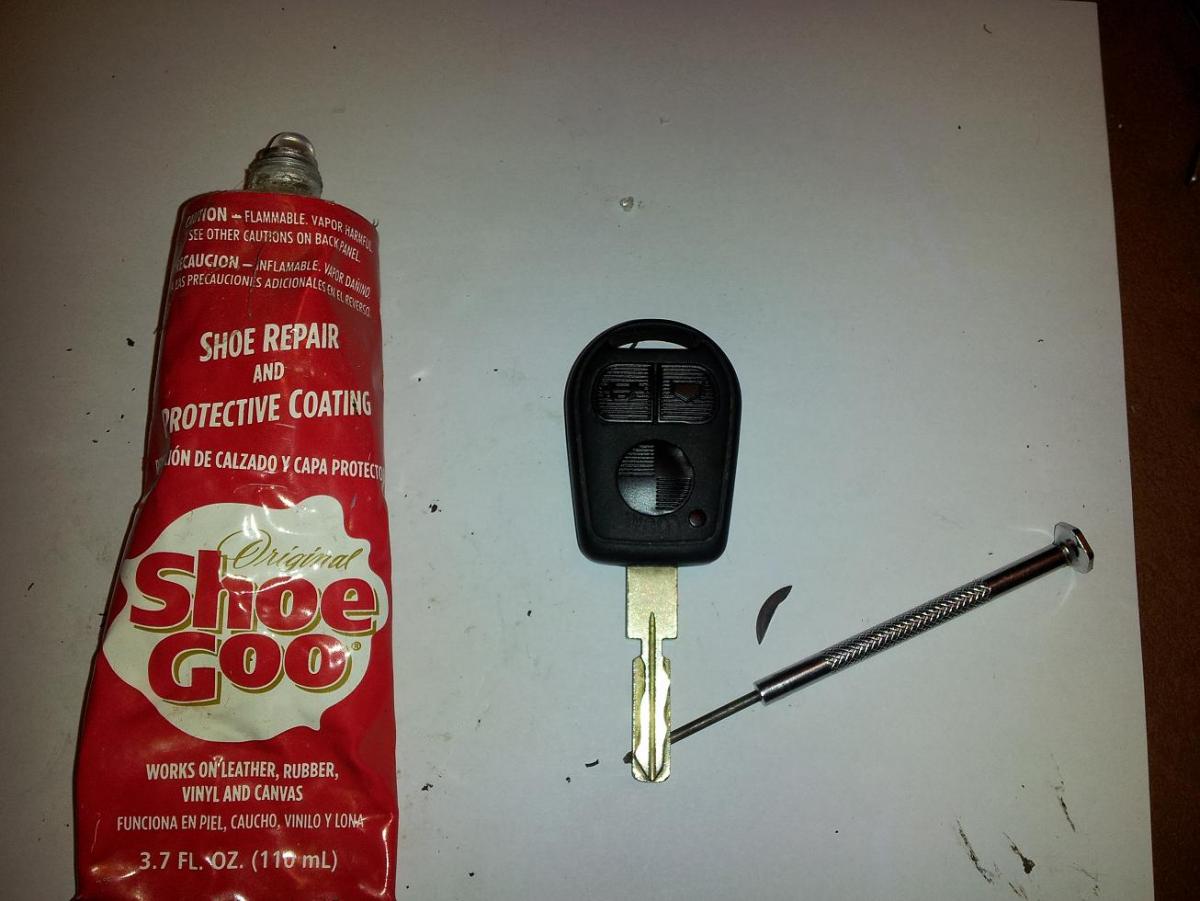
The chip had some adhesive holding it down preventing it from rattling. I used a dab of shoe goo to hold it in place.
Put it all back together with a new battery and all it good.
If replacing battery, you have 30 seconds to get the new battery in once the old is out. It took me about 3 seconds so it should not be a problem. If battery is out for longer you will have to re-initialize the key.